Airbnb Checkout Instructions Template (+ Free Checklist)
An Airbnb checkout instructions template is a short, fixed set of steps — checkout time, what to do with keys and trash, and how to lock up — sent to guests before they leave. It should take under a minute to read, ask for nothing beyond light tidying, and end on a thank-you rather than a list of chores.
Checkout is the last thing a guest remembers before they sit down and rate the stay. Most hosts either over-explain it in a paragraph nobody reads, or forget to send anything until the morning the guest is already packing. Here's what an Airbnb checkout instructions template actually needs — whether you're hosting on Airbnb, Vrbo or Booking.com — and what Airbnb itself says you can and can't ask of someone staying in your place.
What should Airbnb checkout instructions include?
Airbnb checkout instructions are a short, fixed set of steps — checkout time, what to do with keys or codes, trash and dishes, turning off lights and AC, and locking up — sent to guests before they leave. Anything beyond that stops being instructions and starts being a chore list.
At minimum, a working checkout message covers:
- Checkout time — stated as a clock time, not "by late morning"
- Keys or access — drop in the lockbox, leave on the counter, or nothing at all if it's a smart lock that resets itself
- Trash and dishes — bins out, dishes in the dishwasher if you have one
- Lights, AC and heating — off, not just "lowered"
- Doors and windows — locked, closed
- A thank-you — one line, genuine, not a form letter
That's six items, which is already generous. The hosts who get the fewest "did I do this right?" messages at 9am are the ones who cut this list down, not the ones who add to it.
What's a good Airbnb checkout instructions template?
The fastest way to write one is to copy this structure and fill in your own details, rather than starting from a blank message:
- "Hi [name], hope you had a great stay! Checkout is 11am today."
- "Keys: leave them on the kitchen counter — no need to lock the smart lock, it does that automatically."
- "Quick favors: trash in the bins outside, dishes in the dishwasher if you used any."
- "Lights and AC off, windows closed, front door pulled shut behind you."
- "That's everything — thanks for staying, and safe travels!"
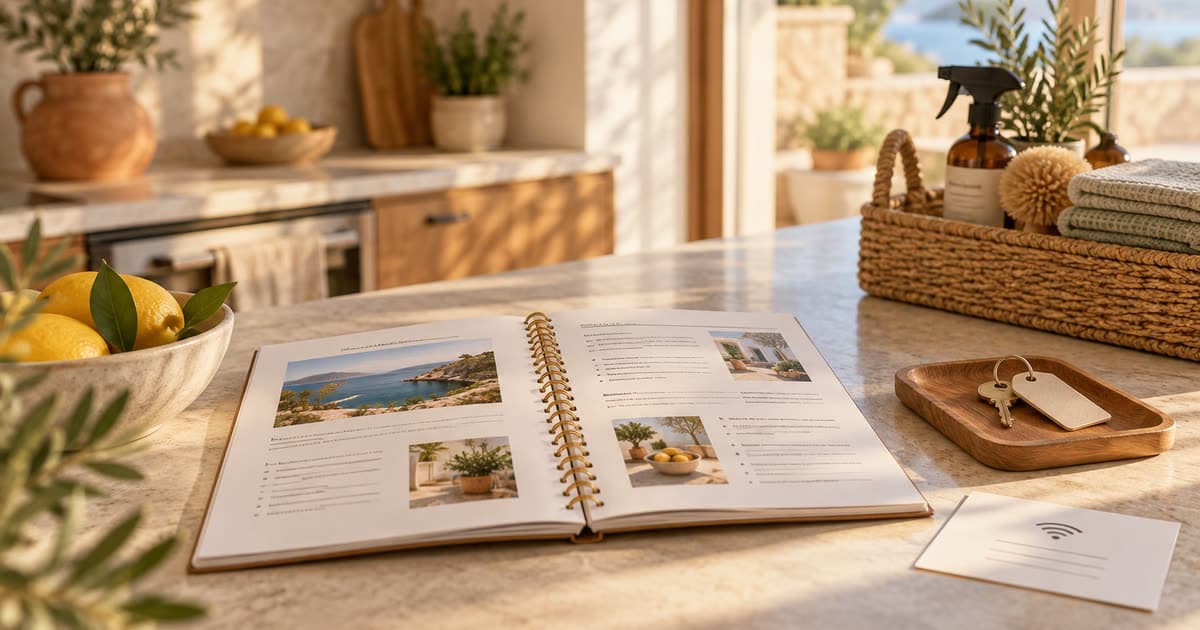
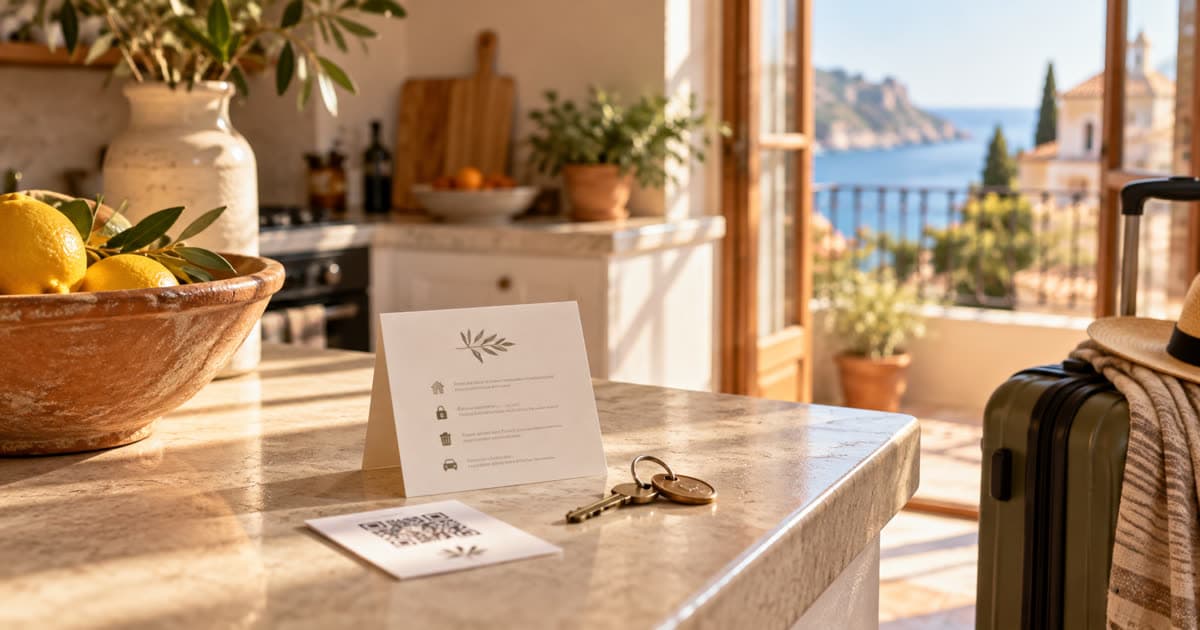
Five lines, no apologies, no guilt-tripping about the cleaning fee you already charged. Send it as an Airbnb message, pin it in your welcome book, and tape a smaller version by the door for the guest who doesn't check their phone until they're already in the car.
What time should Airbnb checkout be?
11am is Airbnb's default checkout time, and it's the one most hosts keep because it gives a cleaner a few hours of daylight before the next guest arrives in the afternoon. There's no rule that says it has to be 11am — some hosts set 10am to protect a tight same-day turnover, others push to noon if their cleaning team has flexible hours.
Whatever time you pick, state it as a clock time in every message, not a vague window. "Checkout by late morning" invites a guest to test how late "late" means; "checkout is 11:00am" doesn't.
What checkout tasks can you actually ask Airbnb guests to do?
Light tasks only: trash out, dishes in the dishwasher, lights and AC off, doors locked. Airbnb's own hosting guidance is explicit that guests "expect an easy checkout without any cleaning tasks," and that listings with repeated low ratings over unreasonable chore lists can be removed from the platform.
Guests can now flag "excessive checkout tasks" in their post-stay feedback — the same place they'd flag a bad check-in or a dirty room. Vacuuming, laundry, stripping beds and deep cleaning are off the table; you're charging a cleaning fee precisely so a guest never has to do that work. Keep the list to what you'd ask an actual house guest to do on their way out, and nothing more.
How do you write an Airbnb checkout message guests will actually read?
Write it the way you'd text a friend who's housesitting, not the way you'd write a lease. Short sentences, one task per line, and the actual checkout time at the top where it can't be missed. A message that opens with three lines about how much you've enjoyed hosting, before finally mentioning the checkout time in paragraph four, gets skimmed — and skimmed instructions get ignored.
Compare "Guest check-out procedure: all guests must vacate the premises by the stipulated time" with "Heading out by 11? Keys on the counter, and thanks for being such easy guests." Same information, but only one sounds like it came from a person.
When should you send Airbnb checkout instructions?
Send them three times, not once. First in your listing description or welcome guide, so nothing about checkout is a surprise when a guest books. Second at check-in, alongside the WiFi password and door code, so it's already somewhere they can find it. Third as a short reminder the evening before departure — not the morning of, when a guest is already half out the door and won't stop to read anything longer than a sentence.
For stays longer than a week, a second reminder two or three days out doesn't hurt. For a two-night stay, the evening-before message is enough.
How should you share checkout instructions so guests actually see them?
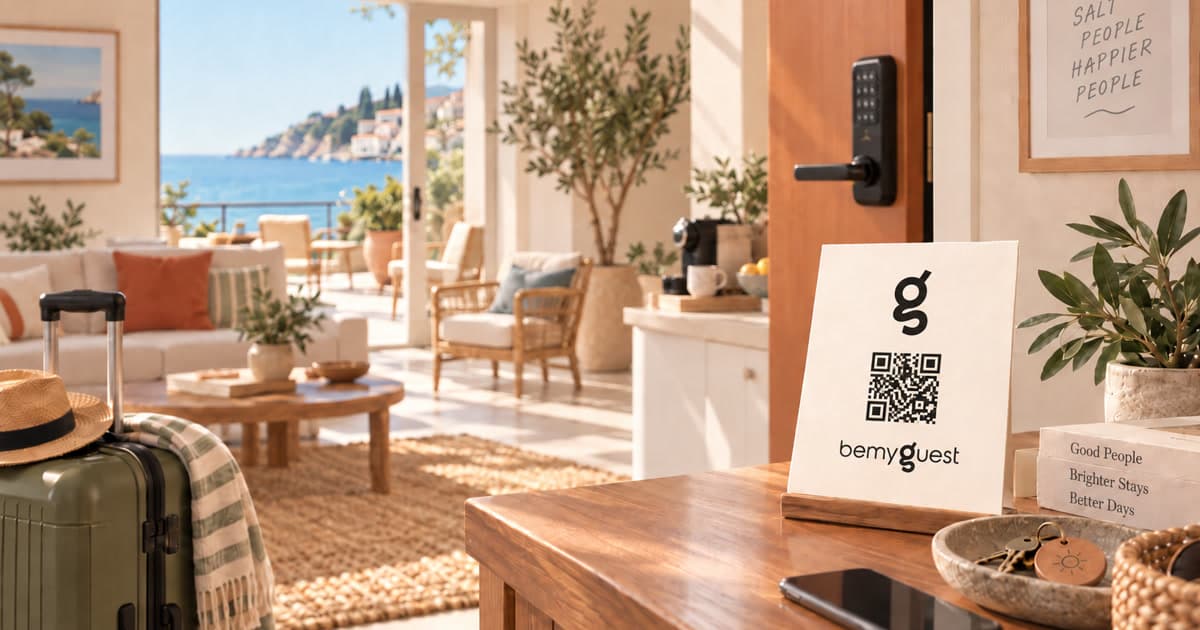
Put the same instructions in at least two places, because you don't know which one a guest will actually open. Airbnb's own in-app messaging works for the reminder, but it competes with every other notification on a guest's phone. A printed card on the counter or by the door catches the guest who's already packed their phone away. A QR code next to the door that opens a digital guide — the same one that has check-in, WiFi and house rules — means the instructions are there even if the original message got buried hours ago. Some hosts also drop a one-line reminder over WhatsApp if that's how they've been communicating with the guest already, since it tends to get read faster than an Airbnb notification.
The households that get the fewest "sorry, how do the keys work again?" messages during checkout are the ones where the instructions live somewhere the guest doesn't have to go hunting for them.
Why does Airbnb checkout feel different from a hotel checkout?
Because a hotel checkout ends a transaction, and an Airbnb checkout ends a stay in someone's actual home. Guests chose a local's place over a hotel room for a reason, and the tone of your checkout message is one of the last signals that reason was right. A warm, specific, unfussy checkout message is a small thing, but it's the kind of small thing that's hard to fake and easy for a guest to notice when it's missing.
That's also the difference between a checkout message that feels like a form and one that feels like it came from a person who actually lives there, or at least actually cares about the place. Guests remember which one they got.
Do clear checkout instructions actually improve Airbnb reviews?
Checkout is the last experience a guest has before they sit down and write a review, so a confusing or demanding checkout can color the whole rating even when the stay itself was great. A guest who spends ten minutes hunting for where to leave the key, or who feels like they were handed a chore list on the way out, is more likely to mention it — and once a review mentions friction, the overall star rating usually reflects it.
A short, specific checkout message removes that risk entirely. It's not a trick for better reviews; it's just one less thing for a guest to be annoyed about on the one day you don't get a chance to fix it in person.
Google Keyword Planner shows hosts in the US searching variations of "airbnb checkout instructions" close to 500 times a month — which tracks with how often this is the one part of the guest guide that gets written last, if it gets written at all.
For the rest of what a guest needs before they even get to checkout, see the Airbnb welcome book guide, or browse more of the guest guide series for house rules and check-in templates. A digital guide like the ones hosts build with bemyguest keeps this message in one place guests can reopen anytime, instead of something buried three texts back. For everything else, head back to the blog.
- —Checkout time, what to do with keys or codes, trash and dishes, turning off lights and AC, locking up, and a thank-you. That's it — anything longer turns into a chore list guests skip.
- —11am is Airbnb's default and the most common choice, because it gives cleaners a few hours before the next check-in. Set it earlier only if your turnover genuinely needs it, not as a default habit.
- —Light tasks only — trash out, dishes in the dishwasher, lights and AC off, doors locked. Airbnb's own hosting guidance says guests can flag 'excessive checkout tasks' in their post-stay feedback, and hosts with repeat complaints risk the listing.
- —Three times: once in your listing or welcome guide before check-in, once at check-in so nothing is a surprise, and once as a short reminder the evening before departure.
- —Checkout is the last thing a guest experiences before they rate the stay, so a confusing or demanding checkout colors the review even when everything else went well. A short, clear checkout message removes the one thing that could turn a good stay into a 4-star review.
Frequently asked questions
A digital guidebook handles the questions in this post automatically — house rules, local favorites, and an AI concierge that answers in your voice. Start your 14-day free trial →